
Recordings
Recordings
The Kleidos recordings, in one place: each kind of board on its own screen, the admin panel in a browser, and a section at the end saying what kind of picture every badge on the site means. Nothing here is a mock-up. Four boards rather than nine: the fleet is five user interfaces and not nine, and the fifth, the T-Deck Plus's, has no recording here today, because the takes I had came out torn and I have withdrawn them until I make them again. The four Sticks draw the same screens on the same panel with the same two buttons, and the two Core touch boards draw the same screens as each other on the same panel, so one of each stands for its family here. “The devices”, on the Overview page, is where they differ.
Each picture's badge says how I made it, and the legend of the badges explains every kind.
- Panel in a browser
- Live from the device
- Live from the device · code covered
Updated
The recordings, board by board
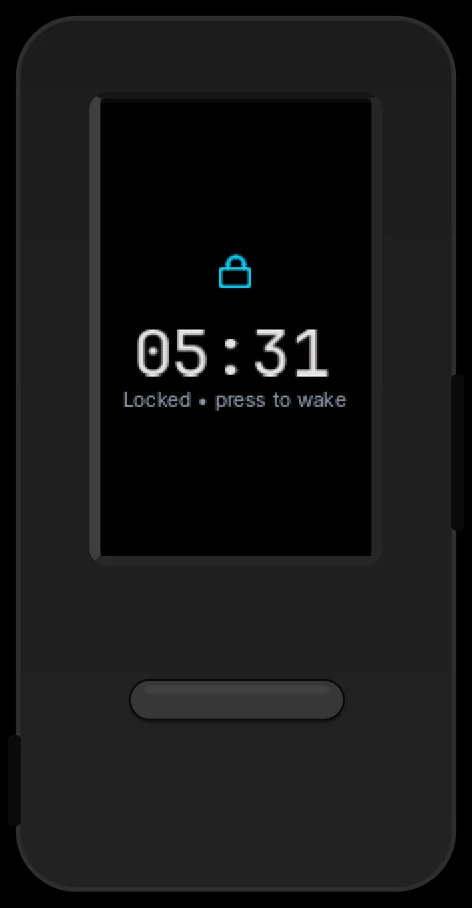
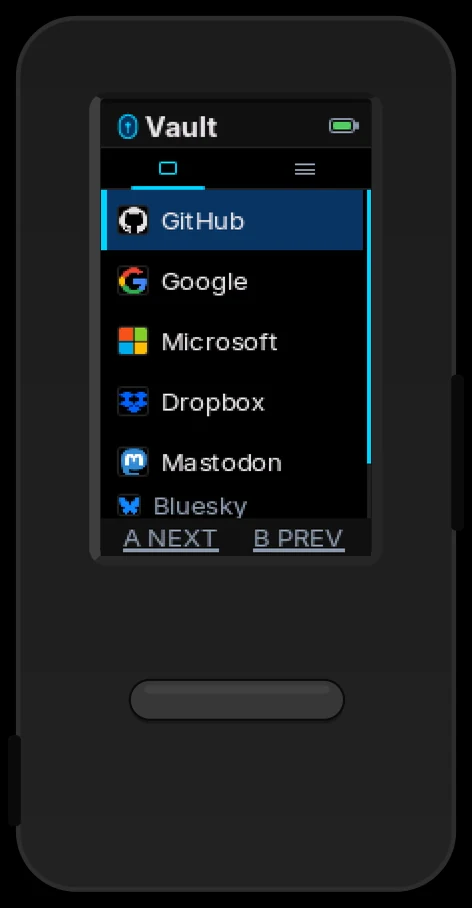
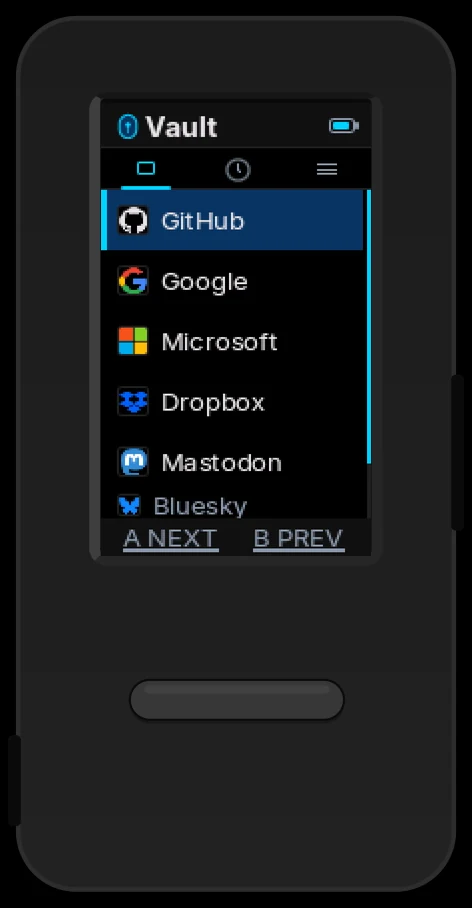
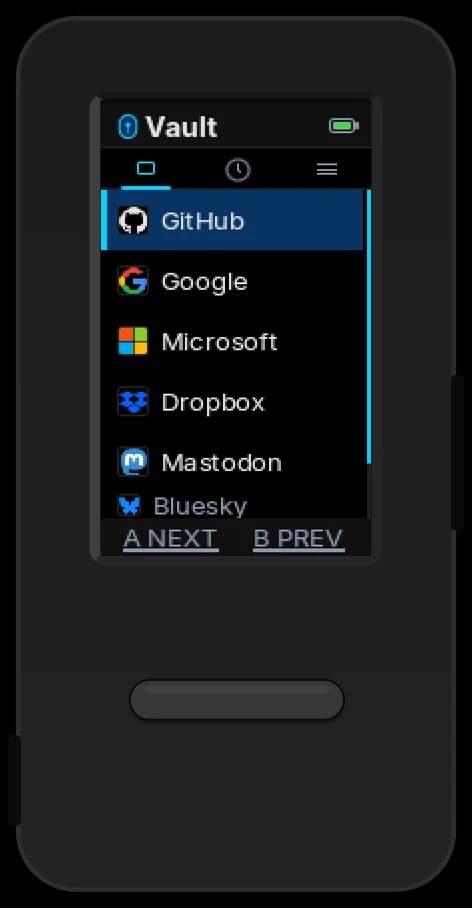
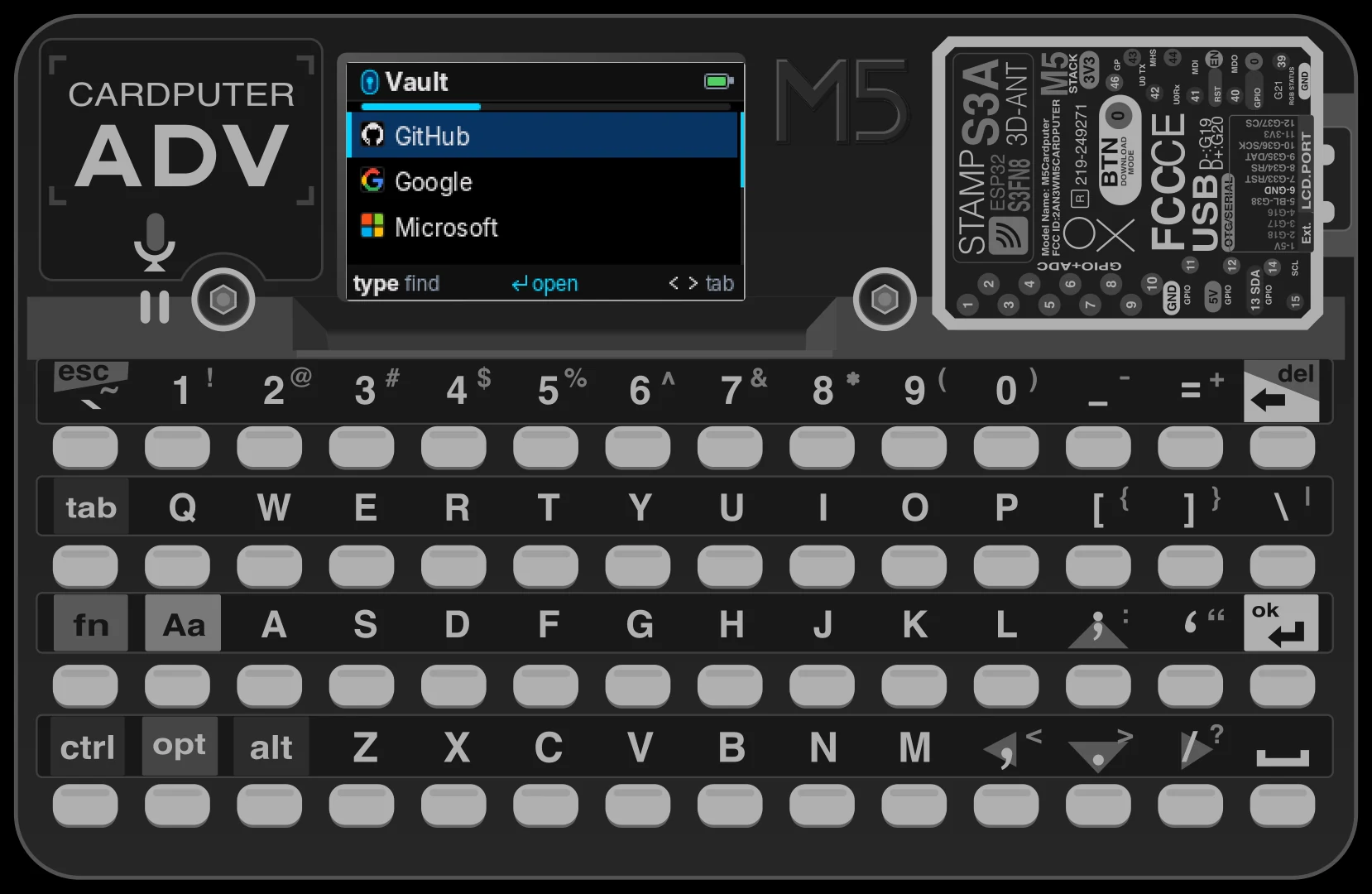
Every board in the fleet has been filmed unlocking, and the home page plays those nine recordings on the boards' own cases, or shows a frame of each where it cannot play them. The longer flows are filmed on one board of each kind of interface, and four of those five have a tab here with the recordings made on them: the StickS3, the CoreInk, the CoreS3 SE and the Cardputer. The T-Deck's recordings are withdrawn until I make them again. The Plus2, the Plus 1.1 and the Plus SE draw the same 135 × 240 interface as the StickS3, and the Core2 the same touch interface as the CoreS3 SE. The badge on every figure says how its frames were taken.
M5StickS3
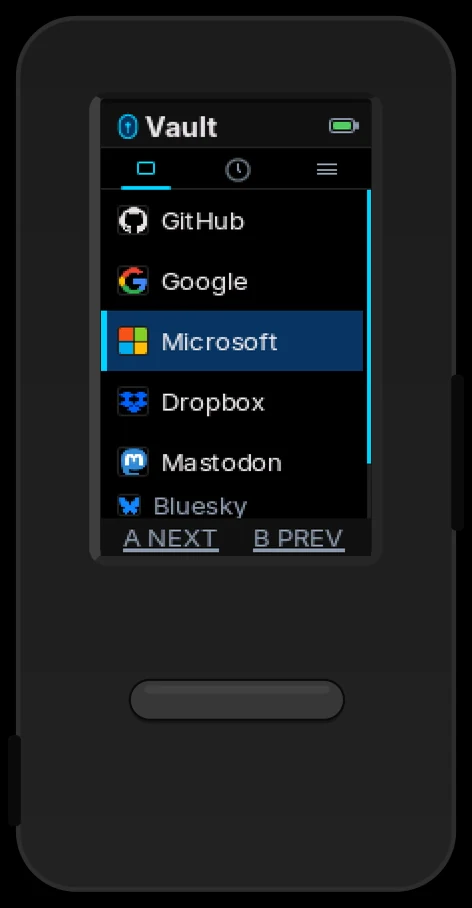
M5Stack CoreInk
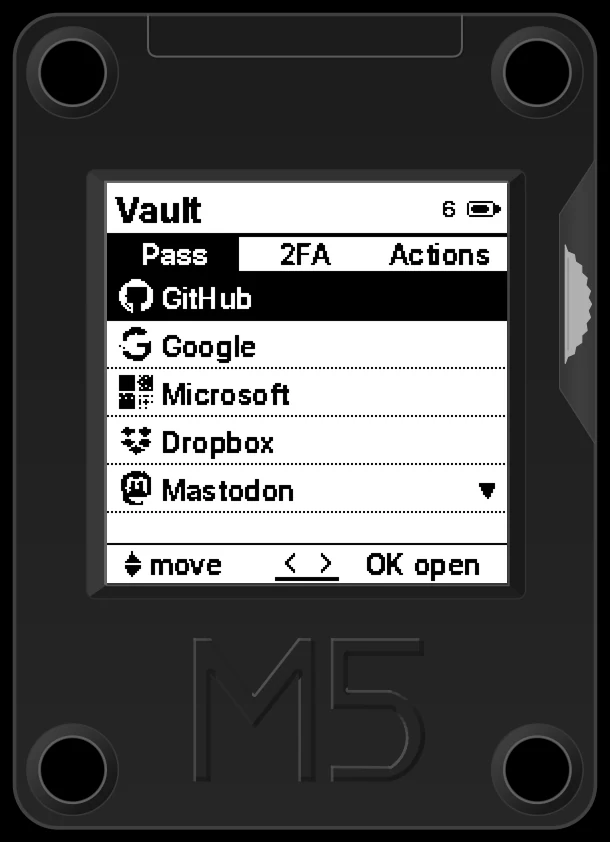
M5Stack CoreS3 SE
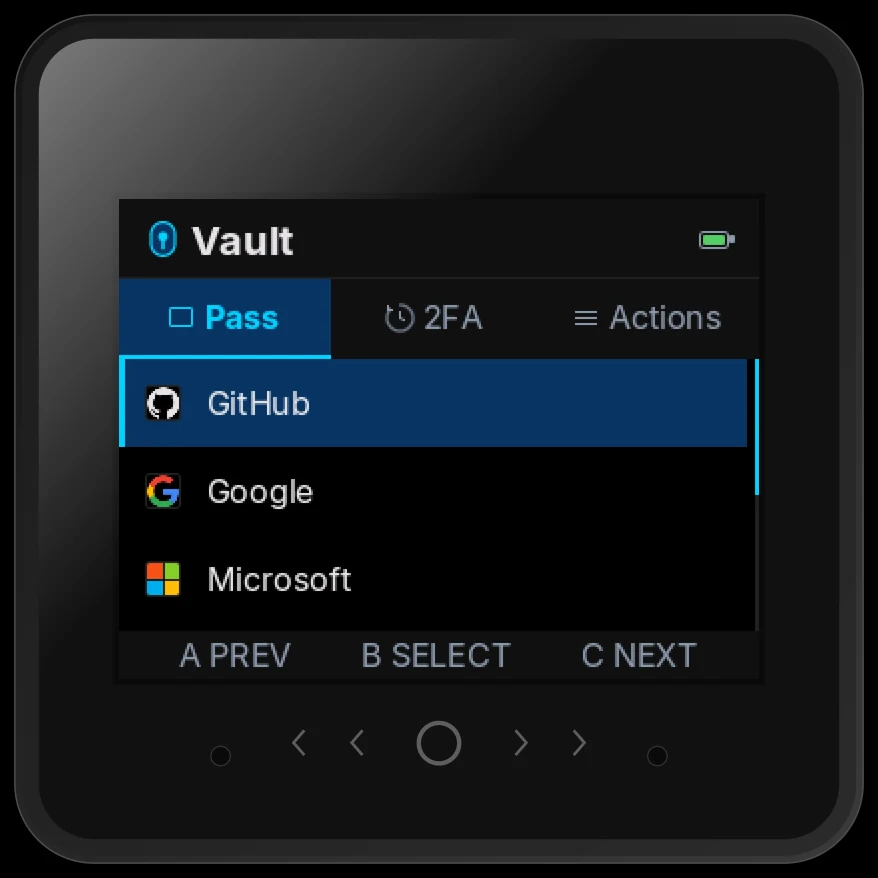
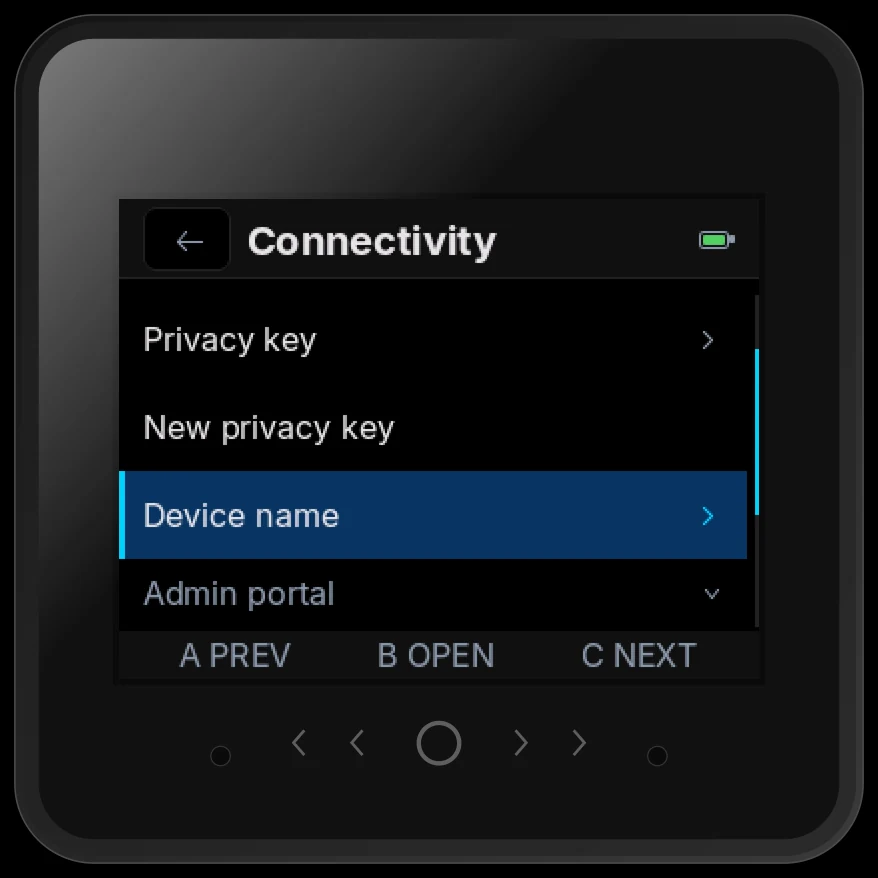
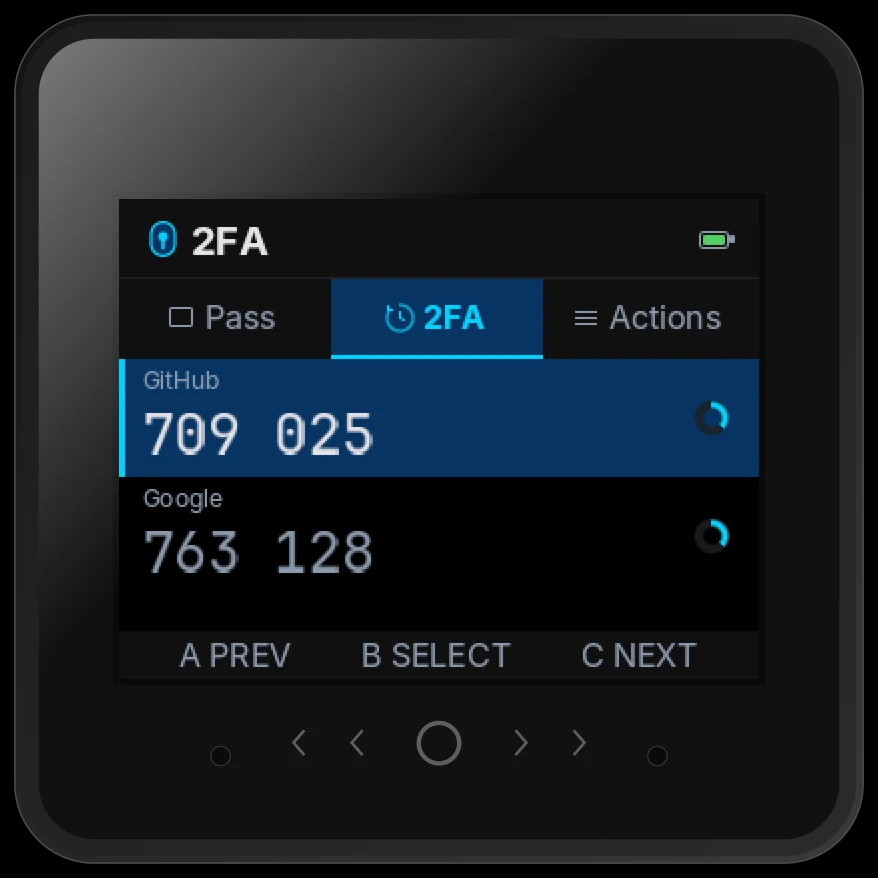
M5Cardputer ADV
A walk through the admin panel
The panel is in development and still changing.
What the panel looks like in use: the dashboard, the vault list with one entry open, the authenticator, the security and backup pages, and the same list on a phone. What it is and what it refuses are in “The admin panel”, on the Overview page.
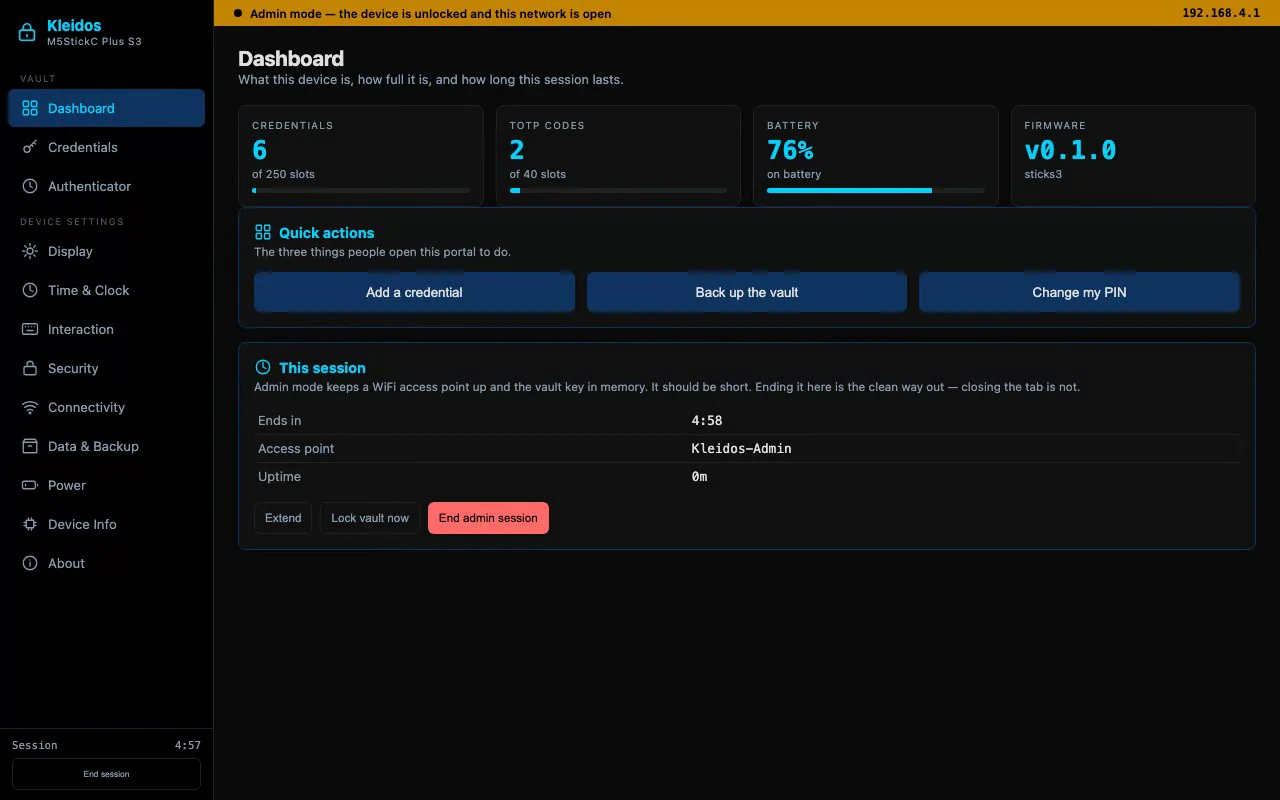
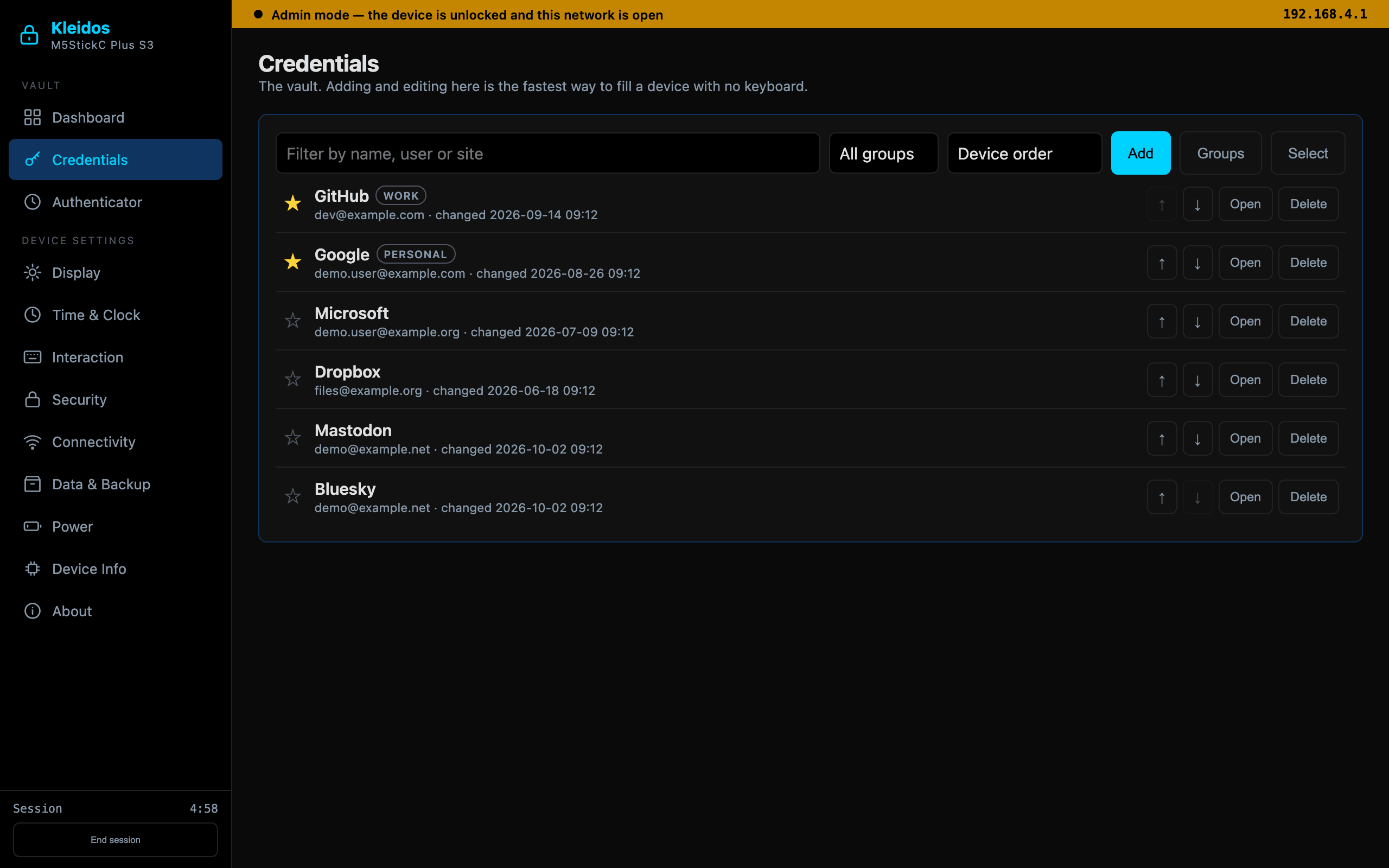
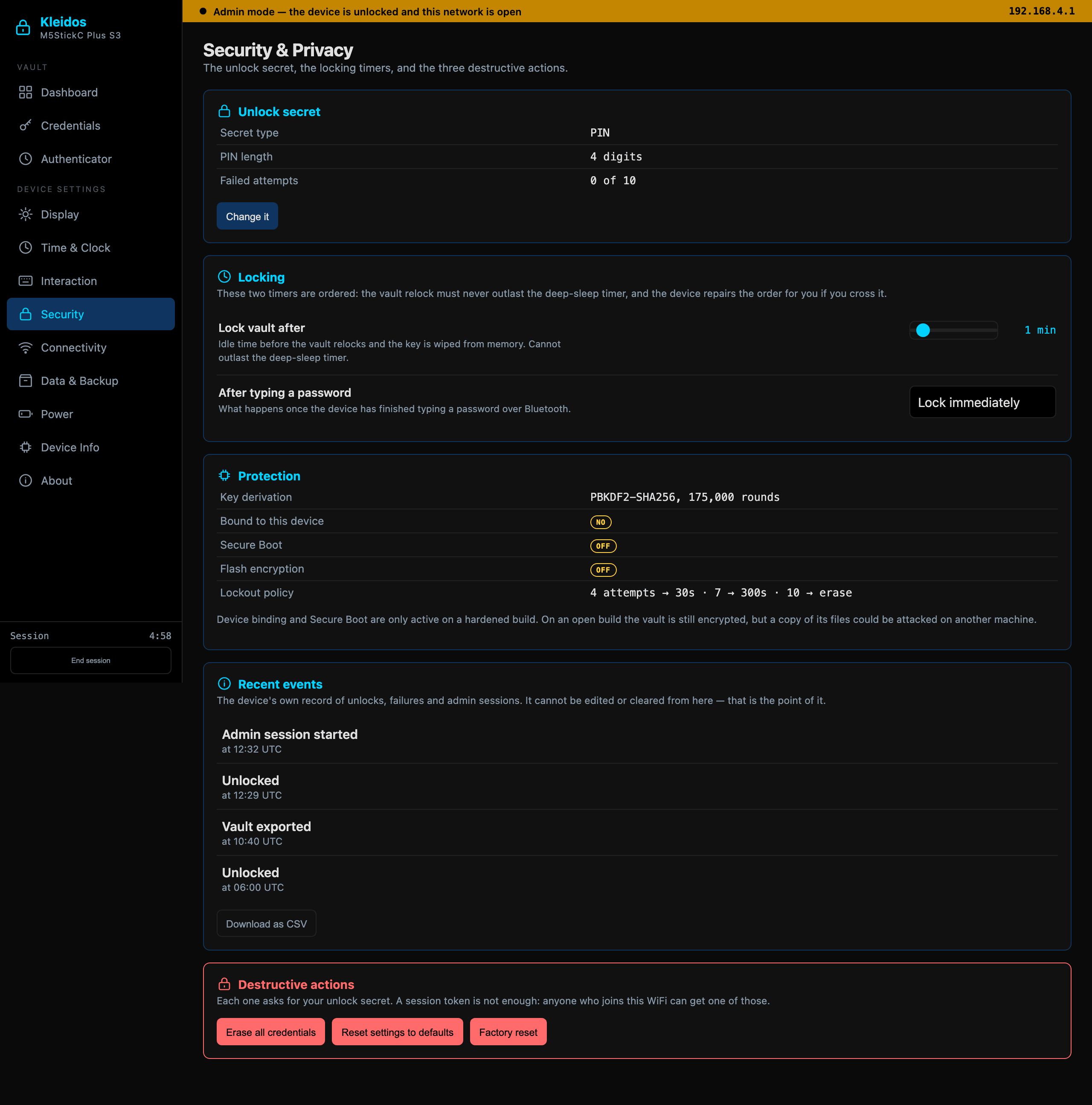
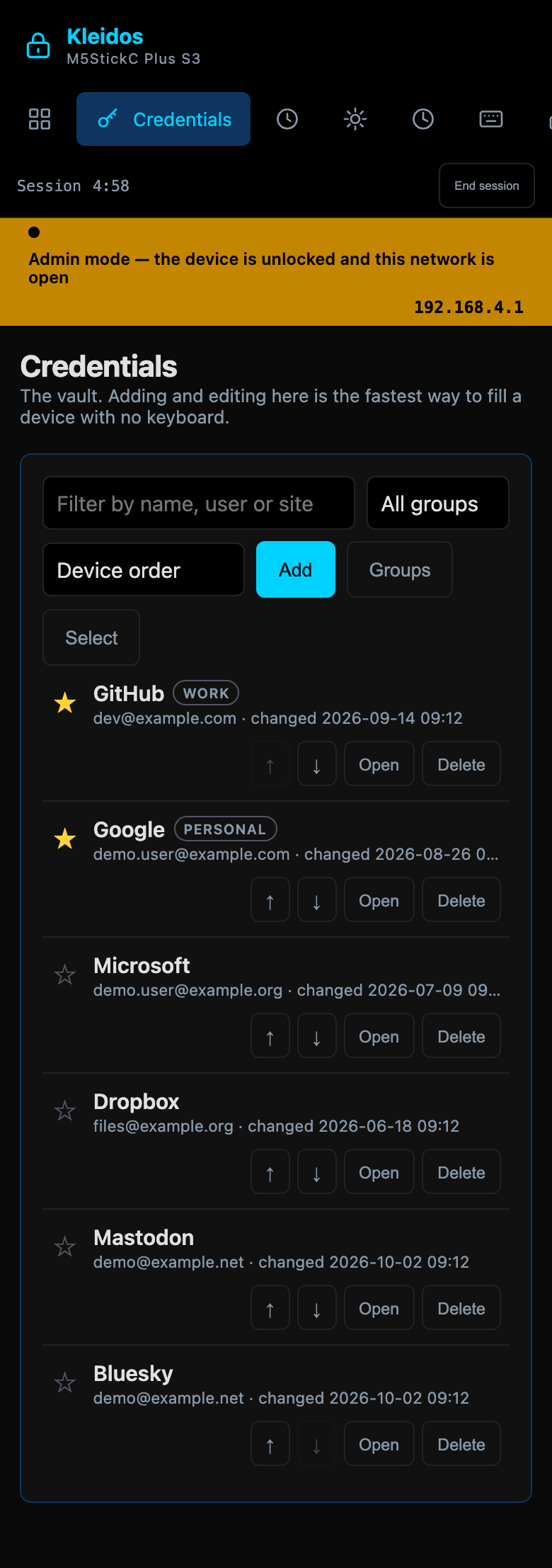
I opened the panel's own page (the bytes the firmware serves) in a browser against a demonstration vault served from my computer instead of from a board, and recorded that. So the clip and the three captures above are the page itself over demonstration data, not a session on a board.
How I made each kind of picture on this site
Every device screen on this site came out of a device: the one it is shown on or, where the caption says so, another board of its family that draws the same screen. I have reconstructed nothing and animated no idea. What is not a capture says so, the home page's modeled cases and its drawn sign-in form among them, and each figure carries a badge saying which of the kinds below it is.
- Live from the device
- Every frame is one the board drew, taken as it drew it, while a script of mine worked its buttons, keys or touch screen. The clip runs at the speed the device runs at, key derivation and screen redraws included. None of these clips came over Wi-Fi. Most came down the board's own USB cable, frame by frame as the board drew them; the rest the board wrote to its own memory card, and I fetched the file afterwards.
- Live from the device · code covered
- Recorded the same way, with one thing laid over the glass: a hatched square over the Wi-Fi QR code on the panel's card. That code holds that session's password and the access point's name, which includes part of the board's hardware address, so I don't publish it. The square is mine and the device never draws it; everything outside it is what the board drew.
- Device screen
- One frame I took straight off the device's own screen, shown at its own pixels rather than smoothed.
- Panel in a browser
- The admin panel's own page (the bytes the firmware serves), which I opened in a browser against a demonstration vault served from my computer instead of from a board. It is the page, not a session on a board.
- Modeled case, captured glass
- The case is a model I built: an M5Stack board's from M5Stack's own structure files, which M5Stack publishes under the MIT License (© 2021 M5Stack), and the T-Deck Plus's from no maker's file at all, from my own drawings and measurements, under the MIT License. The site's own renderer poses and draws it, live in your browser where it can, and otherwise on my computer ahead of time. The screen on its glass is a real capture, laid onto the glass at whatever angle the case is turned, which smooths its pixels; nothing on the glass is drawn. Each capture comes from the board it is shown on or, where the caption says so, from another board of its family that draws the same screen.
- Modeled case, recorded glass
- The case is a model, as for a captured glass. What plays on its glass is a recording I made of the board's own screen, laid onto the glass the same way; nothing on it is drawn, and the caption says which board it was recorded on.
- Modeled case, screen off
- The case is a model, and its screen is dark: at that step the board has locked and turned its screen off, so its glass shows nothing.
- Modeled case
- The case is a model, turned to show the board itself, with nothing laid on its glass: its screen is dark there, or it keeps an image I have no capture of.
- Illustration
- A drawing that stands in for a screen I have no capture of: the sign-in form beside the home page's third step, and the phone or computer beside the board in the overview's send clip. What fills each is the demonstration vault's own entry, in the order the board types it: the form shows its user name and then its masked password, and the phone or computer a mark for each key the host received, with no word, letter or digit in it. Neither names an operating system or a browser.
- Modeled card
- The microSD card in the backup clips is a model too: no maker publishes a card's CAD file, so I drew it from the SD Association's printed dimensions. I recorded each board with the card already in its slot, so the card's path into the slot, out of it and from one board to the other is staged, and a line is drawn round it while it is out of a slot.
Every vault in these recordings is a demonstration vault: I made up the entries, the accounts and the passwords for these recordings, on development builds, and no secret of mine or anybody else's appears in them.
Each published image and clip has a row in the repository recording its hash and the file it was made from, and the site's build refuses a figure whose row does not say how it was made.